


Editing a Resume Template in Word Without Breaking the Layout
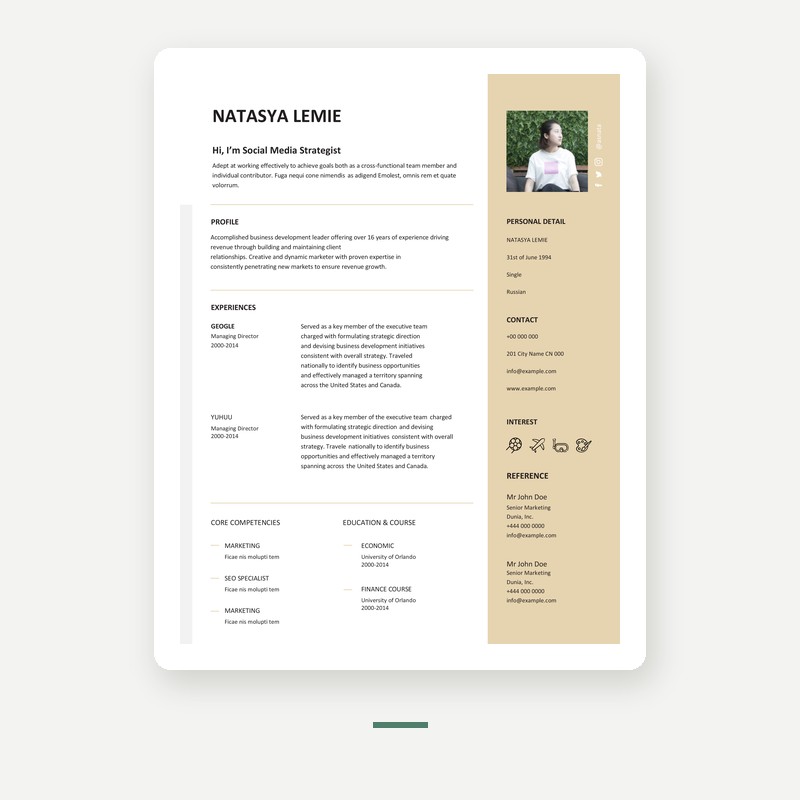
Templates rarely break because of anything complicated. They break because of empty paragraphs, inconsistent spacing and fonts that the next computer does not have.
Do not press Enter for space
This is the single biggest cause of a resume that suddenly runs to three pages. Every time you press Enter to push content down, you add a paragraph that Word keeps, and the layout depends on it.
Use paragraph spacing instead: select the text, open the paragraph settings, and set space after. That value stays consistent when you add or delete content.
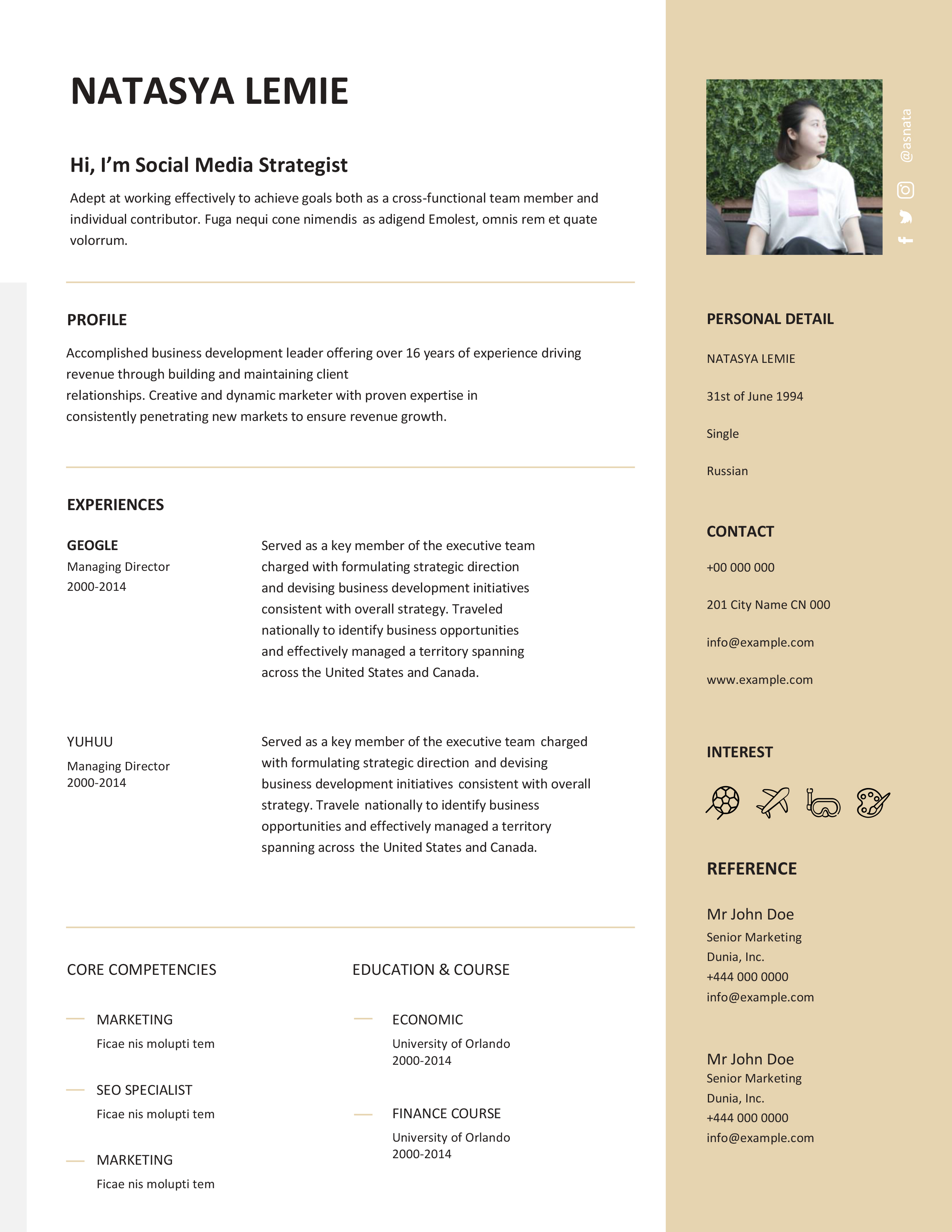
Use the styles that are already there
A well-built template has styles for the name, section headings and body text. If you keep them, changing one heading changes all of them. If you select text and format it manually, you lose that.
Paste your own text as plain text. Copying from another document brings that document's formatting with it, which is how a resume ends up with three slightly different body fonts.
Check the section order
Replace the content, then decide the order. For most people the strongest order is name and contact details, a short summary, experience, then education and skills. If you are early in a career, education moves above experience.
Delete sections you are not using rather than leaving them empty. An empty placeholder still takes vertical space.
Watch the alignment tool
Dates on the right and job titles on the left is a common template layout. Do not try to line them up with tabs or spaces. Delete and retype within the existing text, or use the table the template already contains, keeping the borders invisible.
Fonts travel badly
If the template uses a font that is not installed on the recruiter's machine, Word substitutes something else and the line breaks shift. Either stick to widely available fonts, or export to PDF before sending.
Export to PDF, then read it on a phone
Sending a PDF locks the layout. Before you send, open the exported PDF on a phone. If a recruiter reads it on a phone, that is the version they see, and two-column templates often collapse there.
Finally, check the file name. First name, last name and the role. It is a small thing that makes you slightly easier to find in a folder of two hundred documents.