


How to Choose the Right Digital Template for Your Project
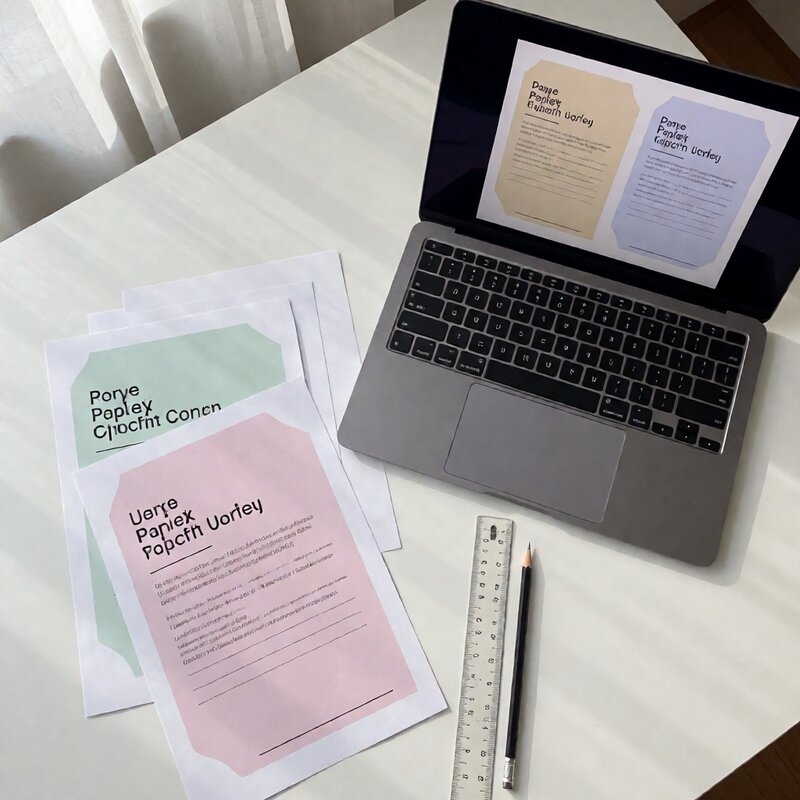
Buying a digital template should be simple, but the formats can feel overwhelming. Word, Excel, PDF, PNG — each serves a different purpose, and mixing them up is an easy way to regret a purchase five minutes after checkout.
Start with the output you actually need
Before browsing templates, decide what you are producing. If you need something guests can print at home on regular paper, you need a print-ready PDF or a PNG at 300 DPI. If you need to edit the wording yourself, you need Word or Excel source files. If you are sending the file to a print shop, ask them which format they prefer before you buy.
Check what comes in the download
- Editable files: .docx, .xlsx or .pptx — check the software and version listed.
- Print-ready files: PDF, usually with crop marks and bleed for professional printing.
- Image files: PNG or JPG. Check the pixel dimensions, not just "high resolution".
- Instructions: a short readme that names the fonts used. If the template uses a font you cannot install, the layout will shift.
Match the template to your printer
Home printers handle different paper sizes than commercial ones. A template designed for US Letter will print with uneven margins on A4, and a full-bleed design on a home inkjet usually leaves a white border. Decide where it will be printed before you choose the file.
Size matters more than you think
A5, A4 and US Letter are close enough to look the same on screen and different enough to break a layout. If you are printing at home, check that the template fits your paper; if you are printing at a shop, check their standard sizes and choose the closest match.
Which editing software it needs
Most templates are built for one editor. Canva-based templates need a free account, Word templates need Microsoft Word or a close equivalent, and InDesign files are impractical unless you already use InDesign. If the listing does not say, ask before buying.
What the licence covers
A personal licence covers your own letters and events. A commercial licence covers designs you sell. Read the line about reselling the file itself: almost no template allows that, and it is the most common misunderstanding in the category.
A short checklist before you pay
- Format matches the software you have.
- Page size matches your paper or your printer's standard.
- Fonts are listed and available.
- Licence covers personal or commercial use, whichever you need.
- Preview images show the whole design, not a cropped corner.