


How to Use Business Quote Templates for Import and Export
Creating accurate, professional quotes for international clients does not have to be time-consuming. Well-designed Excel templates handle calculations, formatting and currency conversions automatically, letting you focus on the relationship rather than the spreadsheet.
Why standardized templates matter
A quote is often the first document a client sees. When every quote uses the same layout, the same field order and the same terms, three things happen: you produce it faster, buyers compare you more favourably against competitors who send a plain email, and you stop making arithmetic mistakes at 11pm.
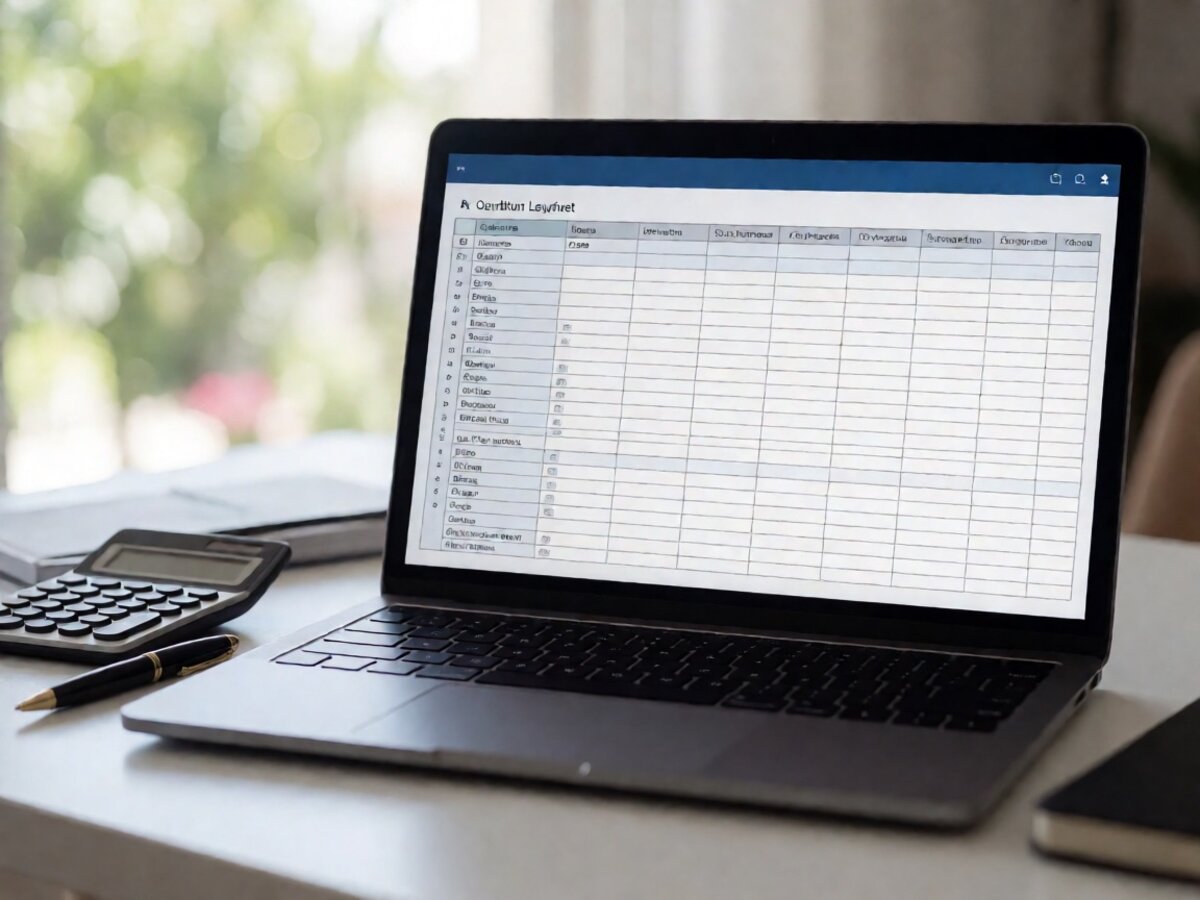
Key elements of an effective quote template
- Quote number and date, so both sides can reference it in later emails.
- Buyer details, including company name, contact and destination country.
- Line items with description, quantity, unit price and extended price.
- Incoterm, because FOB and CIF change who pays freight and insurance.
- Validity period, which protects you when material costs move.
- Payment terms and lead time, stated once rather than negotiated twice.
Customization without complexity
Start with the template's own fields and only add what you actually use. Every extra column is one more place for a formula to break. Lock the cells that contain formulas, keep the input cells clearly shaded, and test the sheet with a small order before sending a large one.
Working with multiple currencies
Quote in the currency your buyer expects, but keep an internal column in your own currency so you can see the real margin. Fix the exchange rate on the quote and state it in the validity line; a rate that drifts for three weeks is how a profitable order turns into a flat one.
Common mistakes
- Rounding unit prices before multiplying, which changes the total.
- Quoting FOB while the buyer assumes CIF.
- Leaving the validity date blank, so the quote is technically open forever.
- Sending an editable spreadsheet when a PDF would do.
- Forgetting to re-check the total after a late discount.
A simple workflow
Duplicate the master file, fill the buyer block, enter the line items, then export to PDF and send that. Keep the spreadsheet as your record: when the order is confirmed, the same file becomes the basis for the invoice, which removes a whole round of transcription errors.
Following up
Send the quote, then note the date in your own calendar for the validity period. Most orders that are lost are lost quietly, to a supplier who followed up once while you did not. One short email at the halfway point costs nothing and recovers a surprising amount.