


How to Print Digital Downloads at a Print Shop
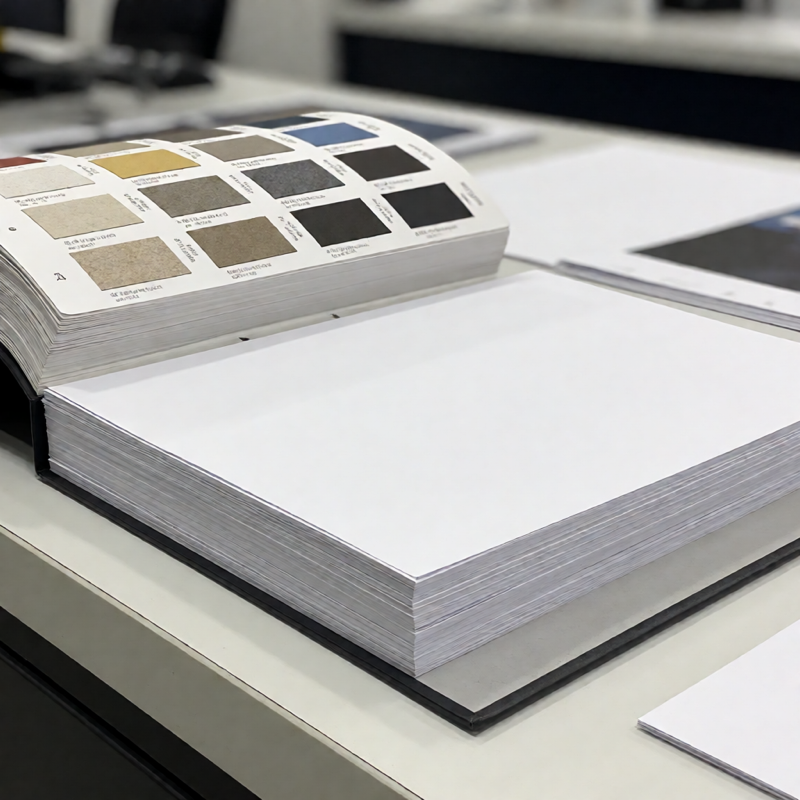
Printing at home works fine until it does not: the paper is too thin, the colour is off, or the design is bigger than your printer can handle. That is when a print shop becomes the cheaper option, provided you send the right file and ask the right questions.
What to send
Send a PDF. Not the editable Word or Canva file, and not a screenshot. A PDF carries the layout, the fonts and the page size, so what the shop opens is what you designed.
If you only have an image file, send the highest-resolution version you have and say so. A 1500-pixel-wide image printed at A4 will look soft; the same image printed at A5 will look sharp, because the pixels are packed into half the area.
The four questions to ask
- What paper do you have? Paper weight and finish change the result more than most people expect.
- Will you print edge to edge? Most domestic printers leave a white border. A shop may do full bleed, or may not.
- What sizes can you do? Ask what stock sizes they cut, rather than naming a size you invented.
- What is the turnaround? A shop printing on demand is usually same-day or next-day; a shop ordering special stock is not.
Paper: the choice that matters most
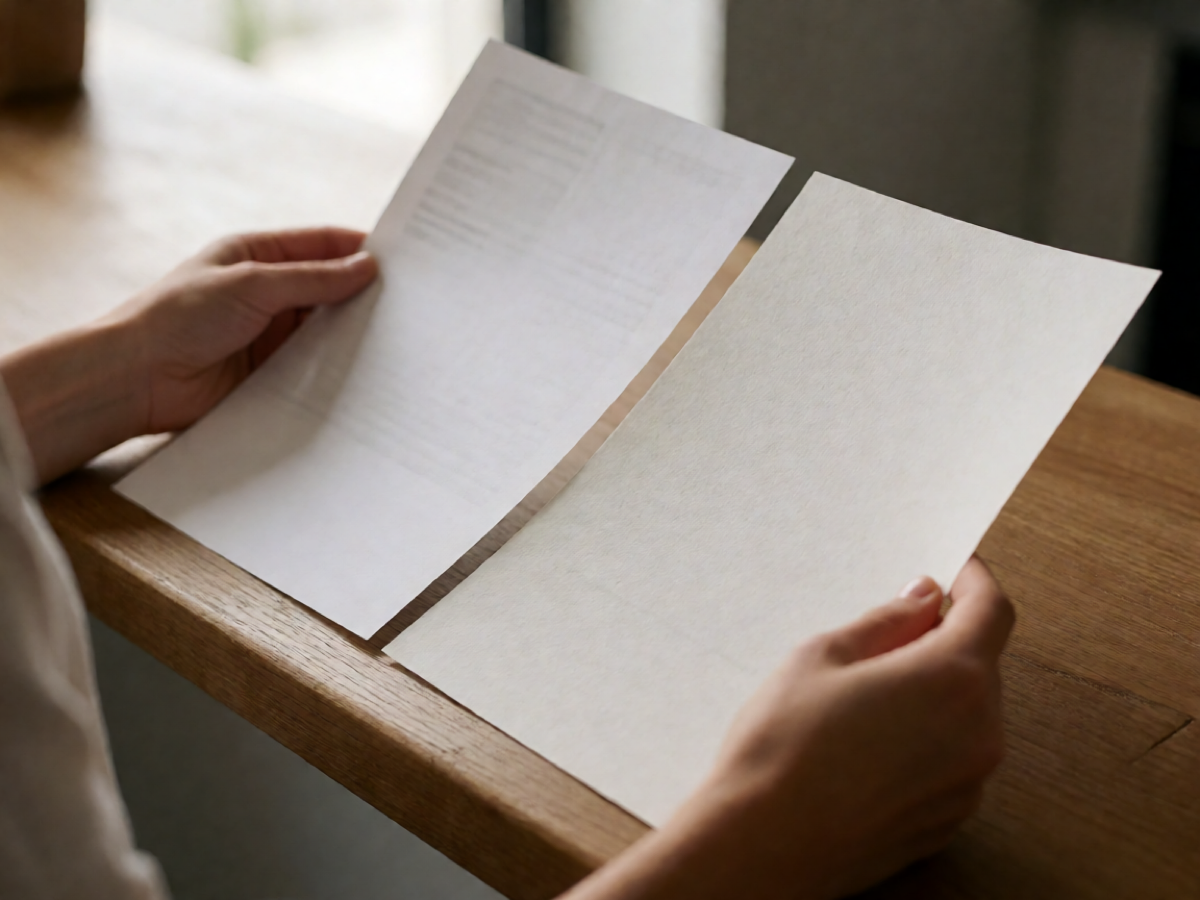
For a letter, invitation or certificate, ask for a matte or lightly textured stock around 200-300 gsm. Anything lighter feels like office paper in the hand, which is the single biggest reason a well-designed download can look cheap.
For something that will be handled a lot — a card, a tag, a place setting — a heavier stock still, or a laminated finish, will hold up better. For art prints, matte is usually right; gloss shows every fingerprint and catches room light.
Colour: say what you expect
Every printer reproduces colour slightly differently. If a specific colour matters, say so, and ask whether they can proof one sheet before running the batch. For most templates this is unnecessary; for a design built around one particular colour it is worth the extra step.
If your file is in RGB and the shop prints in CMYK, some bright colours — vivid greens, some oranges — will come back noticeably duller. That is not a fault, and asking about it in advance avoids the argument.
Size and margins
Know your final size before you arrive. A4 and US Letter are close enough to look identical on screen and different enough that a border designed to be even will print unevenly if the paper is the wrong one.
If the design is meant to have an even white margin, tell the shop and ask them to print at 100% rather than "fit to page". Default settings shrink a file by a few per cent, which quietly changes every margin.
Three mistakes to avoid
- Sending an editable file. Word and Canva layouts shift between machines and versions.
- Asking for "the biggest you can do". Size should follow from the resolution and the intended use, not the other way around.
- Not checking one copy first. If you are printing twenty, print one, hold it, and then run the rest.
What it costs
Print shops price by sheet, by paper and by finishing, so a single number is hard to give. The saving over home printing is usually in paper quality and in not having to buy a better printer; the cost is the trip. For anything you intend to hand to someone else, the trade is usually worth making.