


How to Organise Your Digital Downloads and Templates
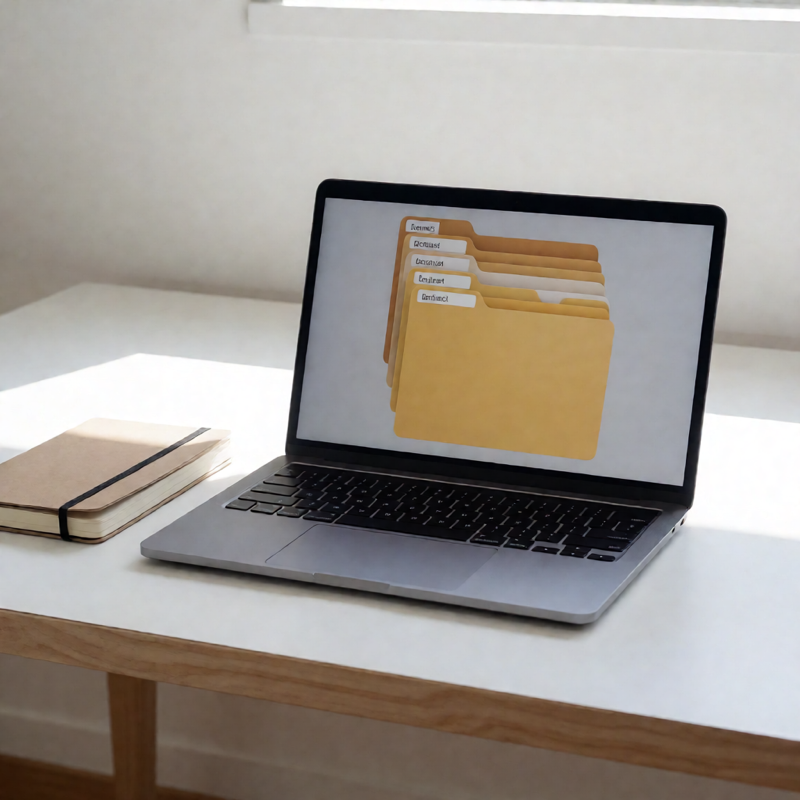
Everyone's Downloads folder eventually becomes a list of forty files called things like final_v3 (1).pdf. The fix is not a better app. It is a folder structure decided once and a naming rule applied every time you save something.
Start with three folders, not twenty
Before you design a taxonomy, ask what you actually do with a download. For most people there are only three states: something you just bought, something you are working on, and something you have finished.
- 01 - New — everything lands here. Nothing is organised on arrival.
- 02 - Working — anything you have opened and edited at least once.
- 03 - Finished — printed, sent, or otherwise done with.
Three folders is enough because the real work happens in the naming, not the hierarchy. Twenty folders means you spend longer deciding where something goes than opening it.
The naming rule
Use a consistent pattern so files sort sensibly and remain searchable:
YYYY-MM-DD type description size.ext
For example: 2026-10-13 invitation wedding-template A5.pdf. The date first means a folder sorts itself chronologically without you touching it. The type word means searching for "invoice" or "invitation" finds everything, even years later.
Two rules make this survive contact with reality: never use the word "final", and never use v2, v3 or (1). If you revise a file, change the date. The newest date is the current version, and nothing else needs explaining.
What to keep alongside the file
When you buy a download, three things usually arrive: the editable file, a print-ready PDF, and a short readme. Keep all three together in one folder named after the product. Six months later the readme is what tells you which font the template used.
If you extracted images from a zip, keep the zip. Re-downloads expire, and the original archive is the only complete copy you have.
Dealing with the backlog
Do not reorganise everything at once. Set a ten-minute timer and process one month's worth, using three moves only: rename, move to 03 - Finished, or delete. If you hesitate over a file, move it to 02 - Working; you will deal with it when you actually need it.
Two habits that prevent the mess returning
- Process the Downloads folder weekly. Five minutes on Friday is enough, and it is the whole system.
- Never edit a file in place. Open it, save a copy into 02 - Working with today's date, and edit that. The original stays intact.
Backing it up
Digital downloads are cheap to re-buy and impossible to re-buy once a shop closes. Back up the 03 - Finished folder and the product folders you care about. You do not need to back up the working folder — those are drafts by definition, and versioning them is what the date rule already does.
The whole system takes under an hour to set up and about five minutes a week to maintain. That is the entire point: any system that needs more attention than that will be abandoned in a month.