


How to Choose Between a Word Resume and a PDF Design Resume
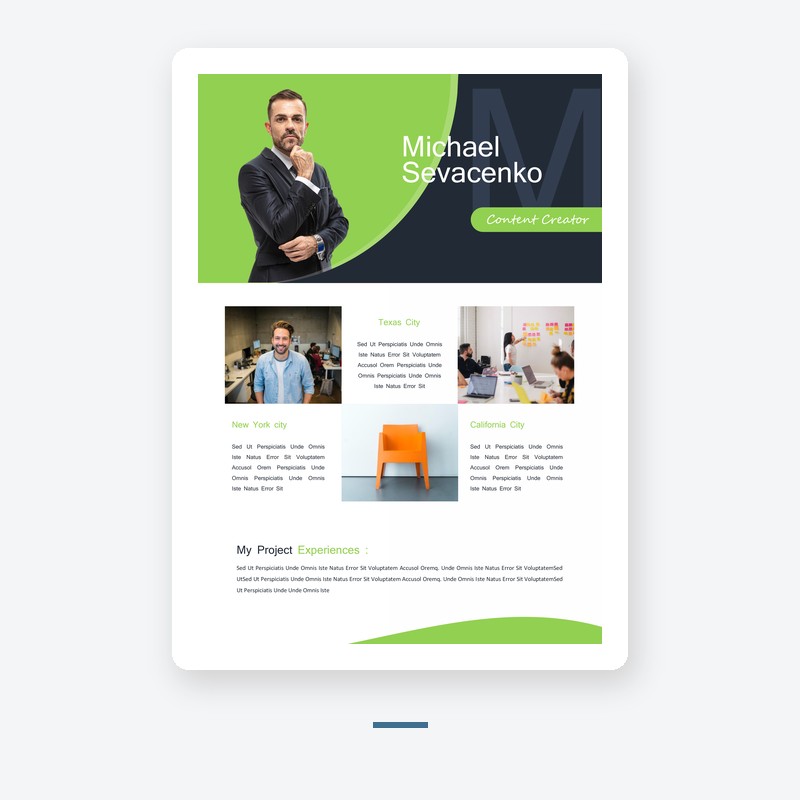
The format question is not about what looks better on your screen. It is about who is going to read your resume and on what device. This guide covers the two real audiences and the two real formats.
The applicant tracking system wants plain
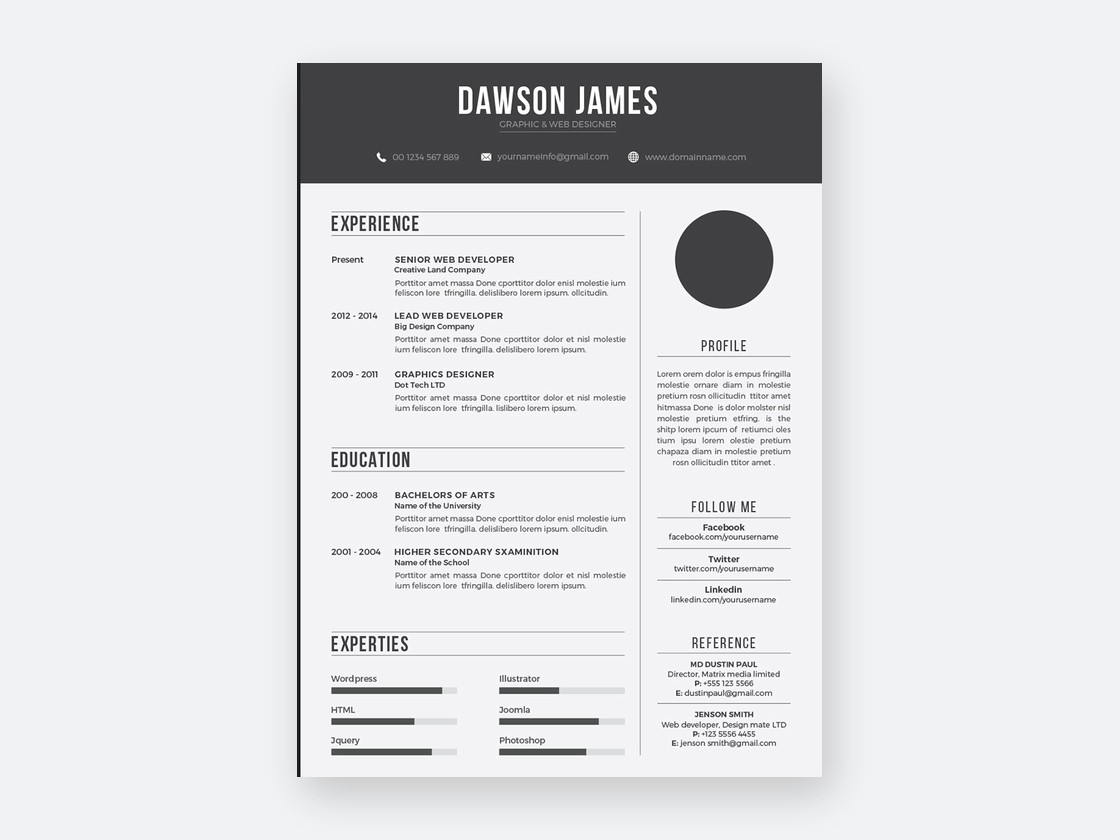
Most jobs, the ones you find on a portal, go through a filter before a human reads them. The filter is a keyword match, and it does not care about your columns or your colour. A clean Word document with standard headings is the format that survives that stage. If the job posting came through a portal, send the Word or a plain PDF export of it, no graphics, no two-column layout.
The hiring manager wants to read it in one take
The jobs that skip the portal, the ones a hiring manager sees directly, are the ones where a well-designed PDF earns its place. The design is not decoration. It is the visual signal that you can produce a finished document, that you have thought about presentation. For creative roles, the design of the resume is part of the test. For operations roles, the same PDF reads as overdone.
The rule that covers both
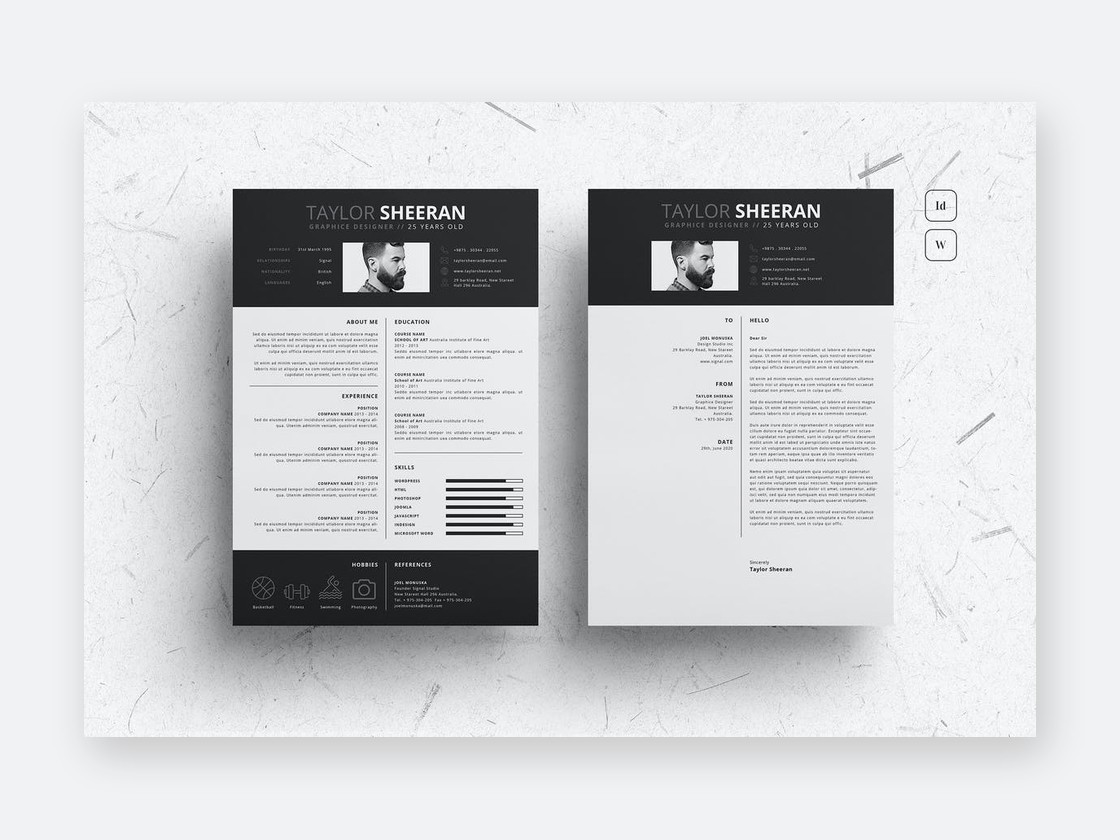
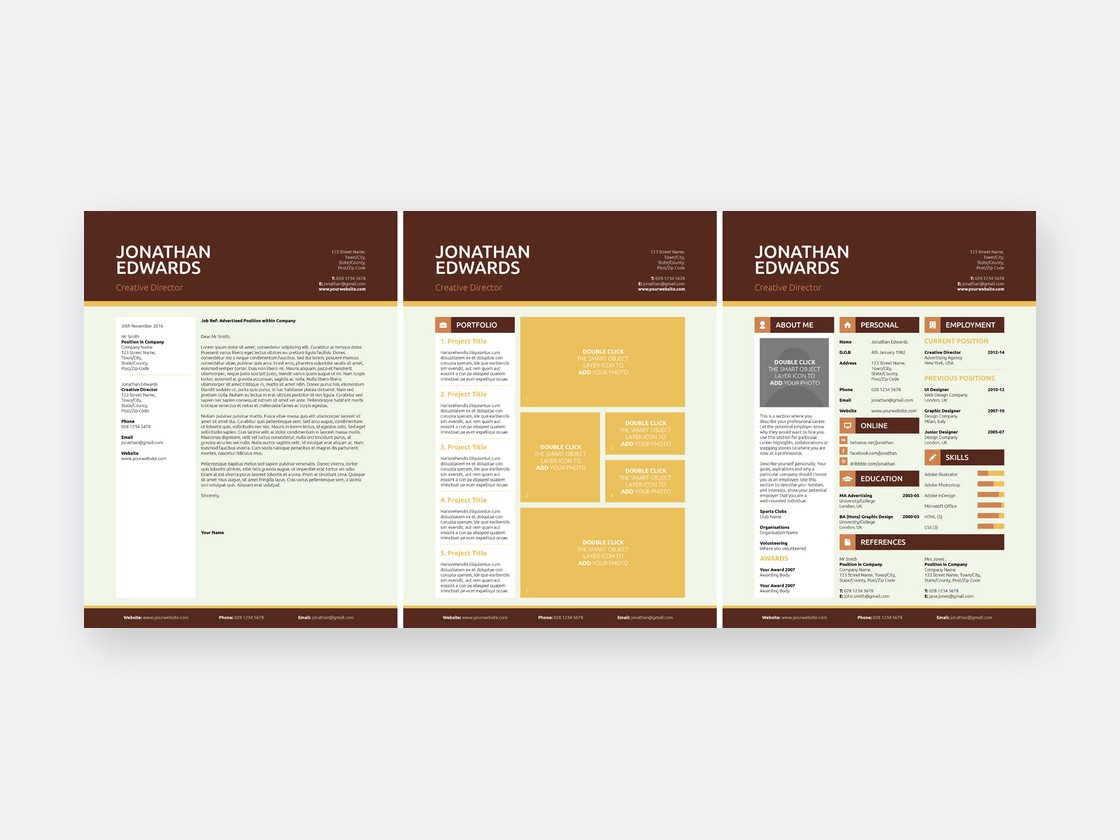
Build one master document in Word. It is your source of truth for content, the one that survives format changes and section cuts. From that master, export a plain PDF for portal applications. Then make one designed PDF, the version you attach to a direct email or a recruiter handoff. Two files, one source. The Word master is the version you keep updated, the two PDFs are the two doors you walk through.
Before you send it
Open the plain PDF in a phone browser. If it does not fit the screen without pinching, the recruiter will not pinch for you. The file size also matters, a resume over two megabytes will not pass some email gateways. See the Resume Templates category for the Word masters that export cleanly to both formats.